Please launch your browser and enter
http://dlinkrouter.local or
http://192.168.0.1 into the address bar. Then login and follow the steps below:
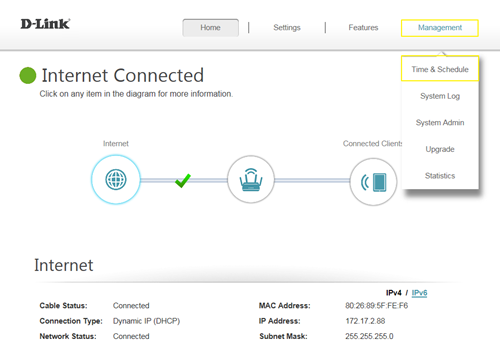
Step 1: Click on the
Maintenance ->
Time & Schedule
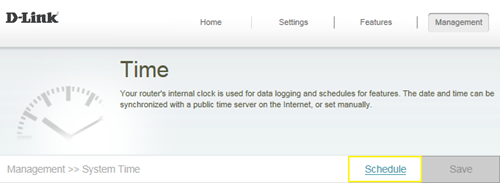
 Step 2:
 Click
Schedule:
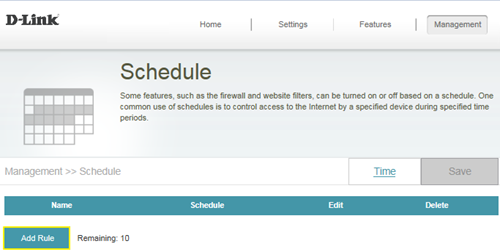
 Step 3:
 Click
Add Rule:
 Step 4:
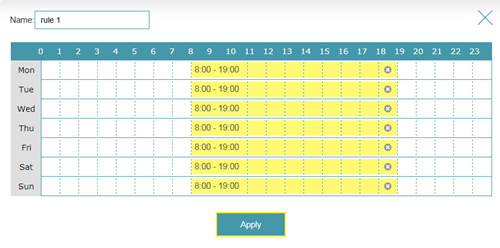
 Create your Schedule and click
Apply. The example below shows the scheduled time from 8:00-19:00.