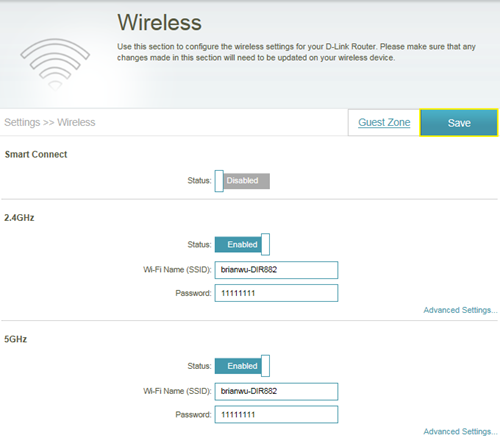
Please launch your browser and enter http://dlinkrouter.local or http://192.168.0.1 into the address bar. Then login and follow the steps below:
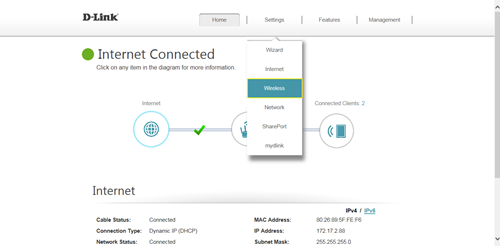
Step 1: Click Settings -> Wireless
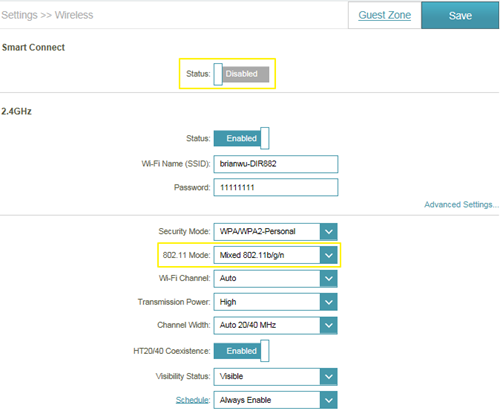
Step 2: Disable Smart Connect, and select the 802.11 mode for 2.4G/5G band:
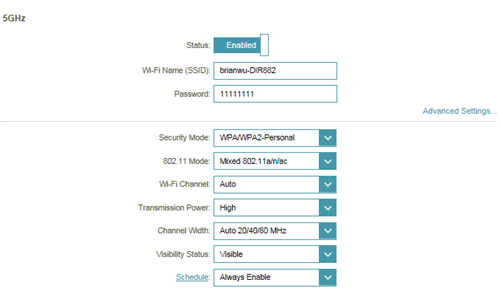
Step 3: Click Save to save your configuration.