Please launch your browser and enter http://dlinkrouter.local or
http://192.168.0.1 into the address bar. Then login and follow the steps below:
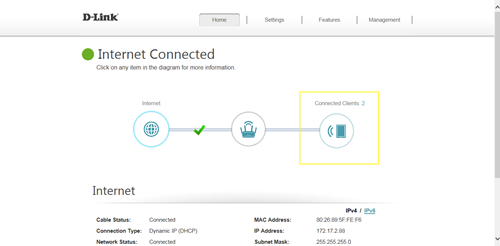
Step 1: Click
Connected Clients from the Home Tab:
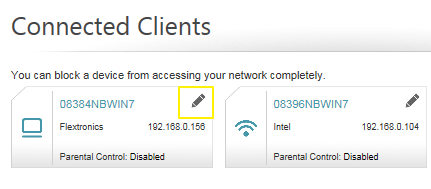
 Step 2
: Click the Pencil Icon next to your client you’d like to adjust:
 Step 3
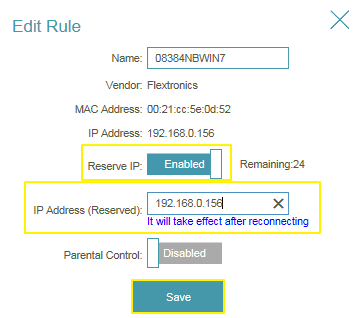
: Click
Reserve IP to Enable, and fill in the reserved IP address, then click
Save.