How to modify the organization name on Nuclias directly?
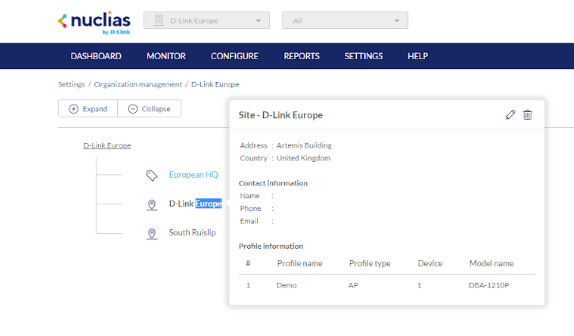
Navigate to Settings → Organization Management, and select the organization you want to modify and then the location, edit the Organization by selecting the pencil icon, modify the name and click on Save at the bottom.
Rank: 1.5
0 people found this useful.
Did you find this useful?
0 people found this useful.
Thank you for your feedback.
Sorry we couldn't help! Click here for more FAQs or go to Support.
Always be the first to know
Get exclusive updates on the latest D-Link news, product announcements and more!