產品方案應用
產品方案應用
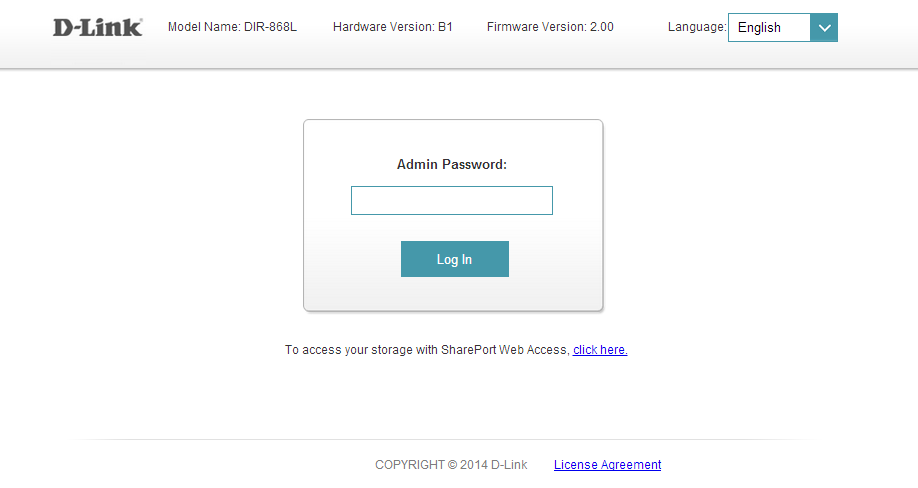
Step 1: Open an Internet browser (such as Internet Explorer) and enter http://dlinkrouter.local or http://192.168.0.1 into the address bar. Press Enter.
Step 2: Enter the password for your Admin account in the field provided. If you have not changed this password from the default, leave the field blank. Click Log In.
Step 3: Move the cursor to the Management tab and then click System Admin from the drop-down menu.
Step 4: To change the administrator password, enter a new password in the Password field of the Admin Password section. If you wish to enable CAPTCHA graphical authentication when logging in, click the slider next to Enable Graphical Authentication (CAPTCHA).
Step 5: Click Save to save your settings.
點擊前往並登入會員後,至下方「訂閱電子報」欄位勾選/移除電子報類型即可。