產品方案應用
產品方案應用
Step 1: Open an Internet browser (such as Internet Explorer) and enter http://dlinkrouter, http://dlinkrouter.local or http://192.168.0.1 into the address bar.

Step 2: Enter your login information in the fields provided. The default username is Admin. Enter your administrator password. If you have not changed the default password, leave this field blank. Click Login.
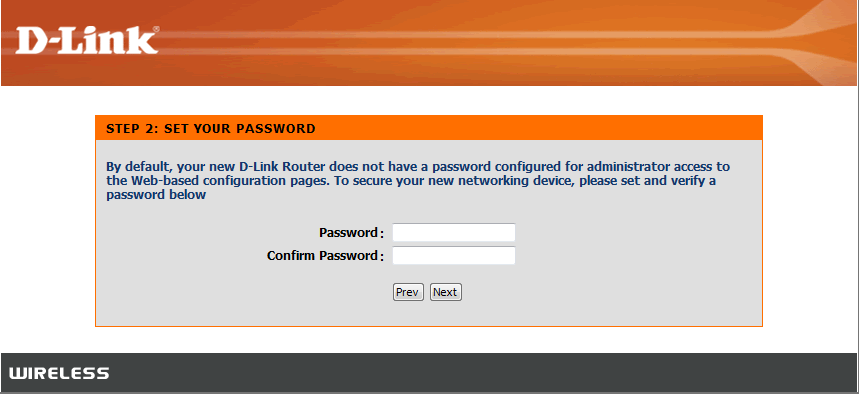
Step 3: Click Manual Setup
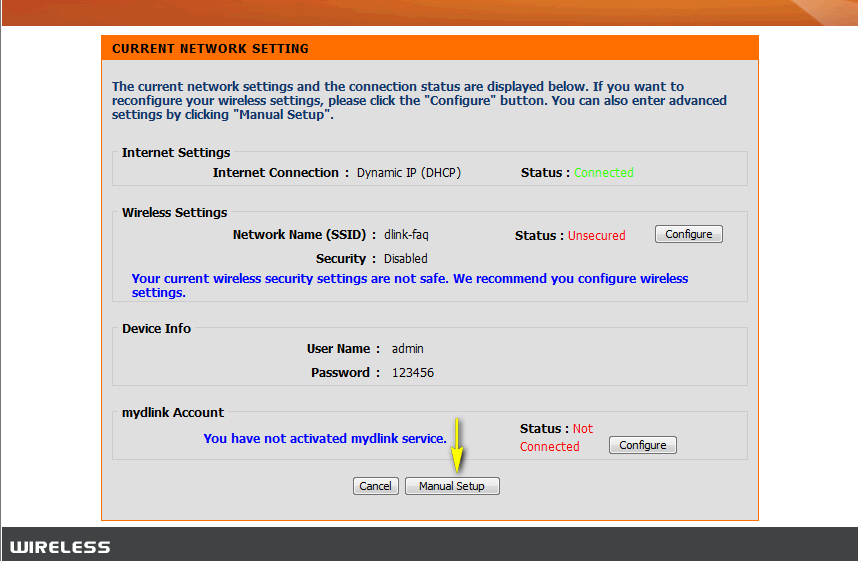
Step 4: Click the Maintenance tab at the top of the page, and then click Device Administration from the menu on the left-hand side.
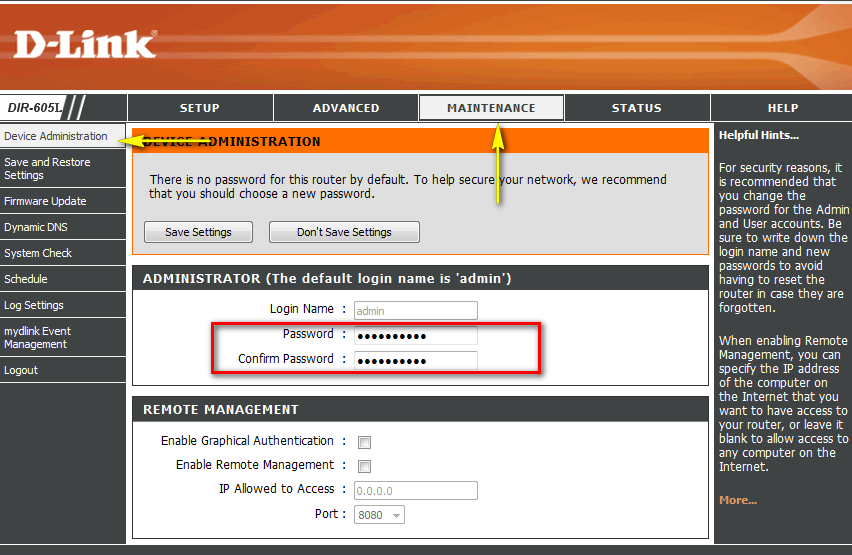
Step 5: To change the Administrator password, enter a new password in the Password field. Verify the password again in the Confirm Password field.
Step 6: Click Save Settings to save the current configuration.
點擊前往並登入會員後,至下方「訂閱電子報」欄位勾選/移除電子報類型即可。