產品
產品方案應用
產品方案應用
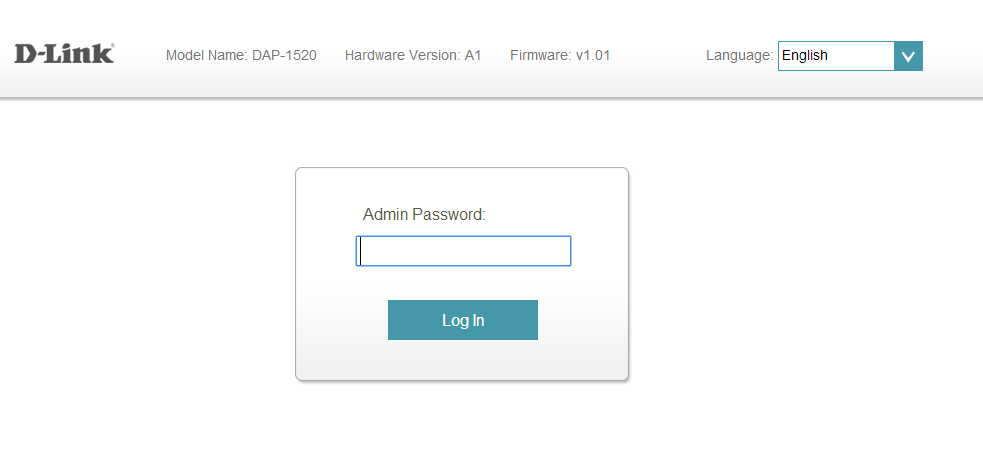
Step 1: Open a web browser and enter http://dlinkap.local in the address bar.

Step 2: Enter your Admin Password in the field provided. If you have not changed the password from the default setting, the password field is to be left blank. Click Log In.
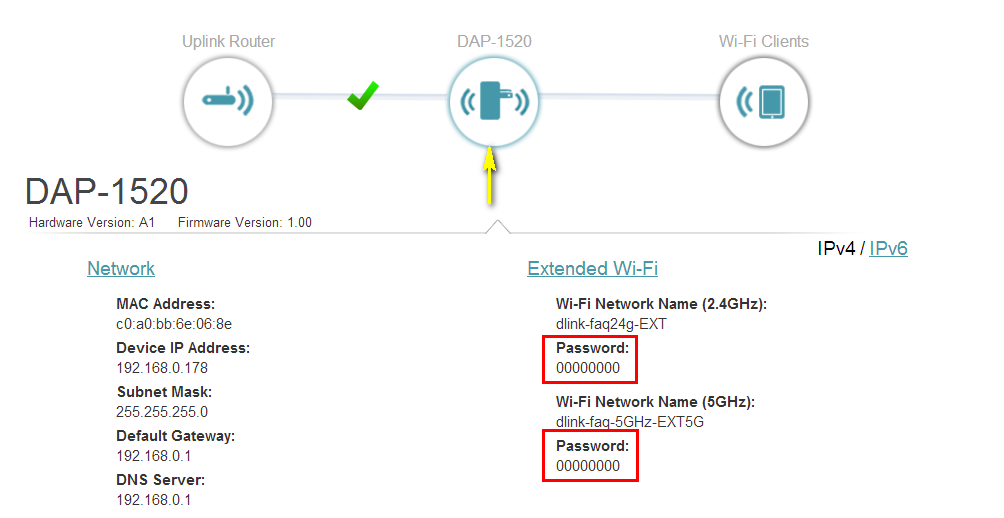
Step 3: Click the DAP-1520 Device icon. The device’s settings will be displayed below the network map. The password for each wireless band can be found under the Extended Wi-Fi section.
點擊前往並登入會員後,至下方「訂閱電子報」欄位勾選/移除電子報類型即可。