Step 1: Ensure your USB drive is properly inserted into the USB port on your DIR-860L
Step 2: Check USB driver/ SD card status from router’s Web UI.
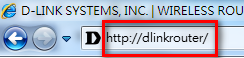
Step 2.1: Open an Internet browser (such as Internet Explorer) and enter http://dlinkrouter, http://dlinkrouter.local or http://192.168.0.1 into the address bar.
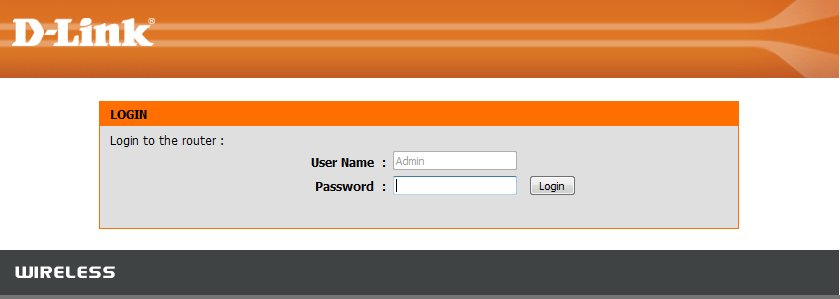
Step 2.2: Enter your login information. If you have not changed the default settings, the username is Admin and the password should be left blank. Click Login.
Step 2.3: Click on the Setup tab at the top then click Storage from the menu on the left-hand side
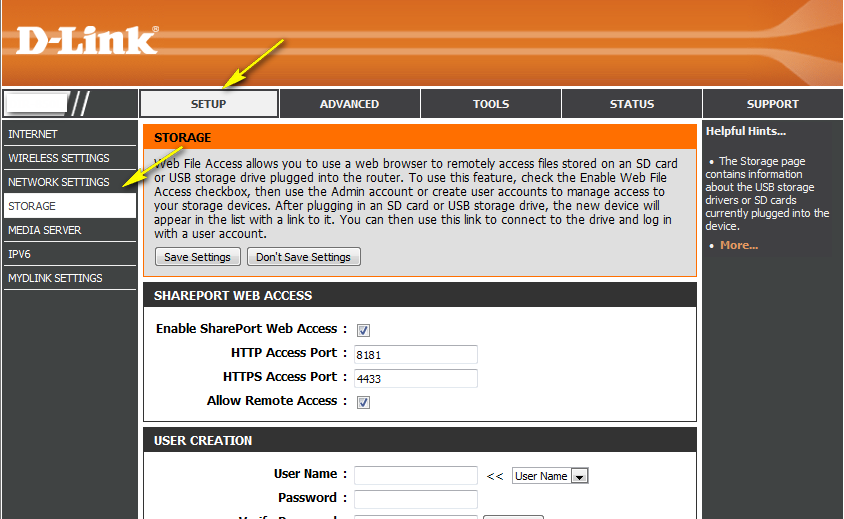
Step 2.4: Check the storage status. The information displayed here should reflect the characteristics of the USB drive plugged into the USB port.
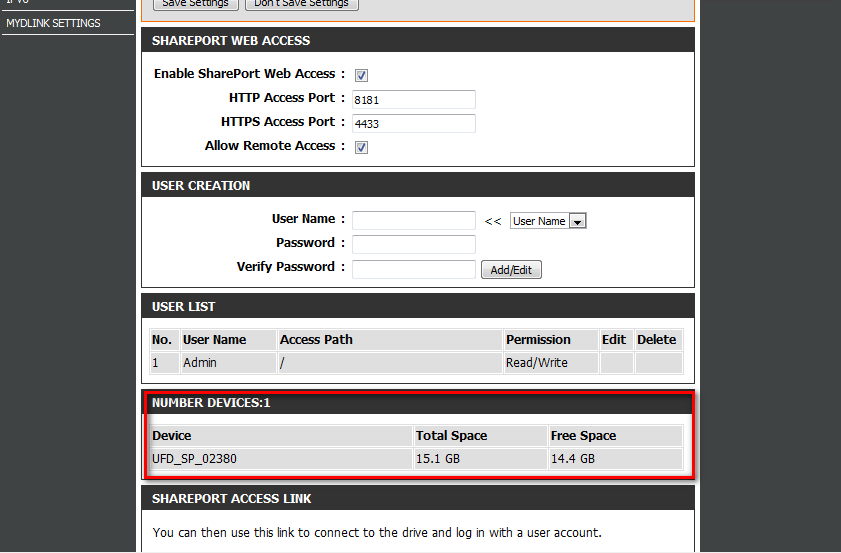
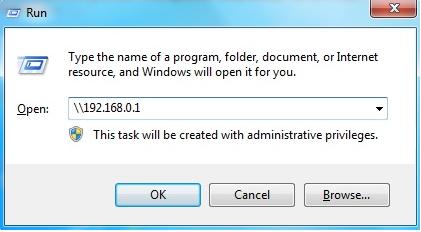
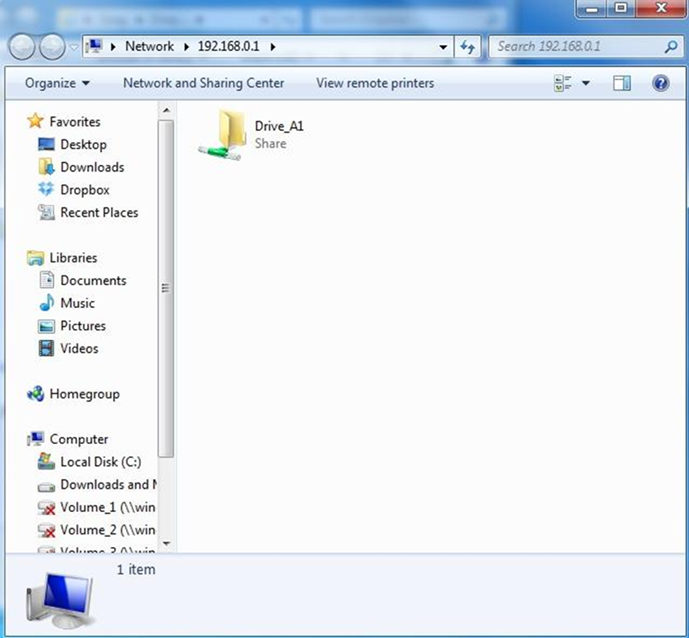
Step 3: From a computer connected to the router:
Windows XP
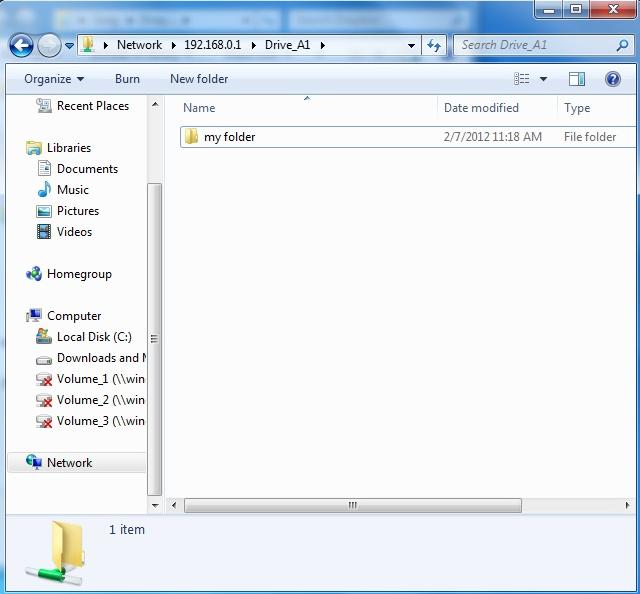
Windows 7
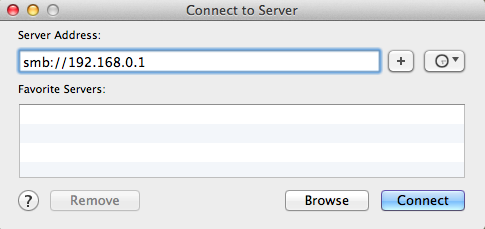
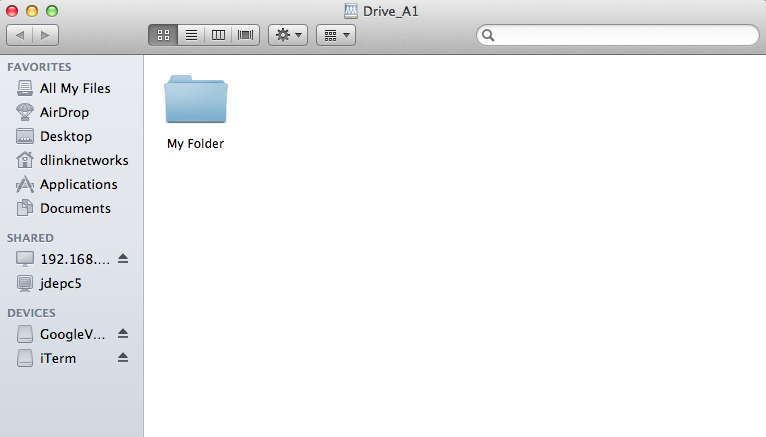
MAC OSX
Note: If prompted for password, select GUEST access