Step 1: Open a web browser and enter http://dlinkap.local in the address bar.
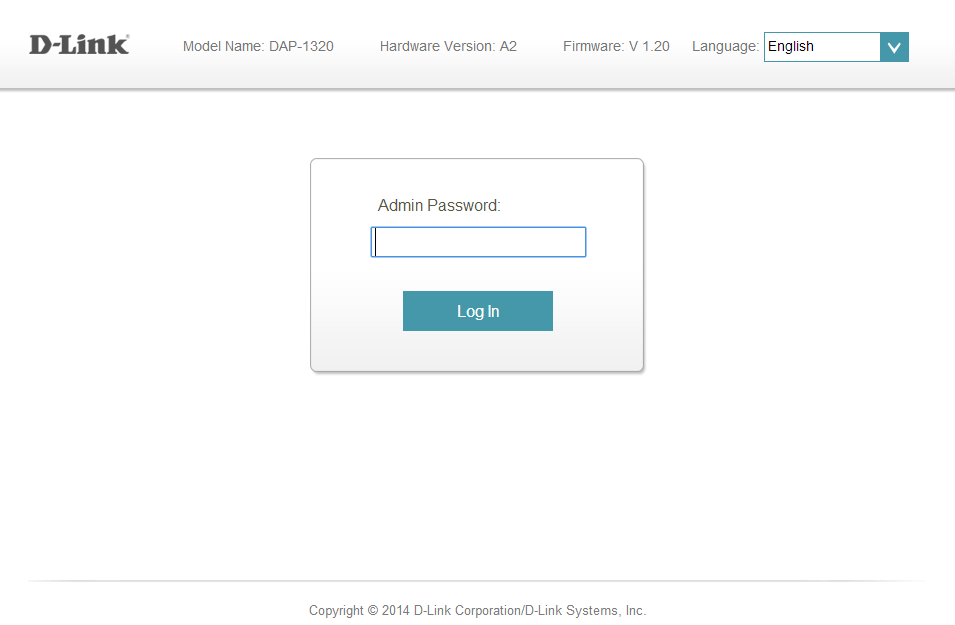
Step 2: Enter your Admin Password in the field provided. If you have not changed the password from the default setting, the password field should be left blank. Click Log In.
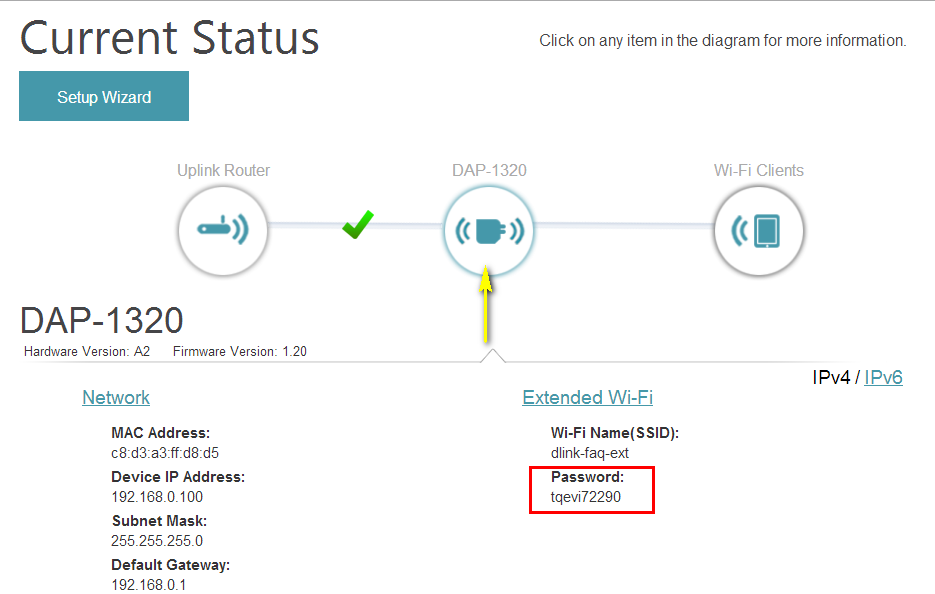
Step 3: Click the DAP-1320 Device icon on the network map. The device’s settings will be displayed below the network map. The password can be found under the Extended Wi-Fi section.
.